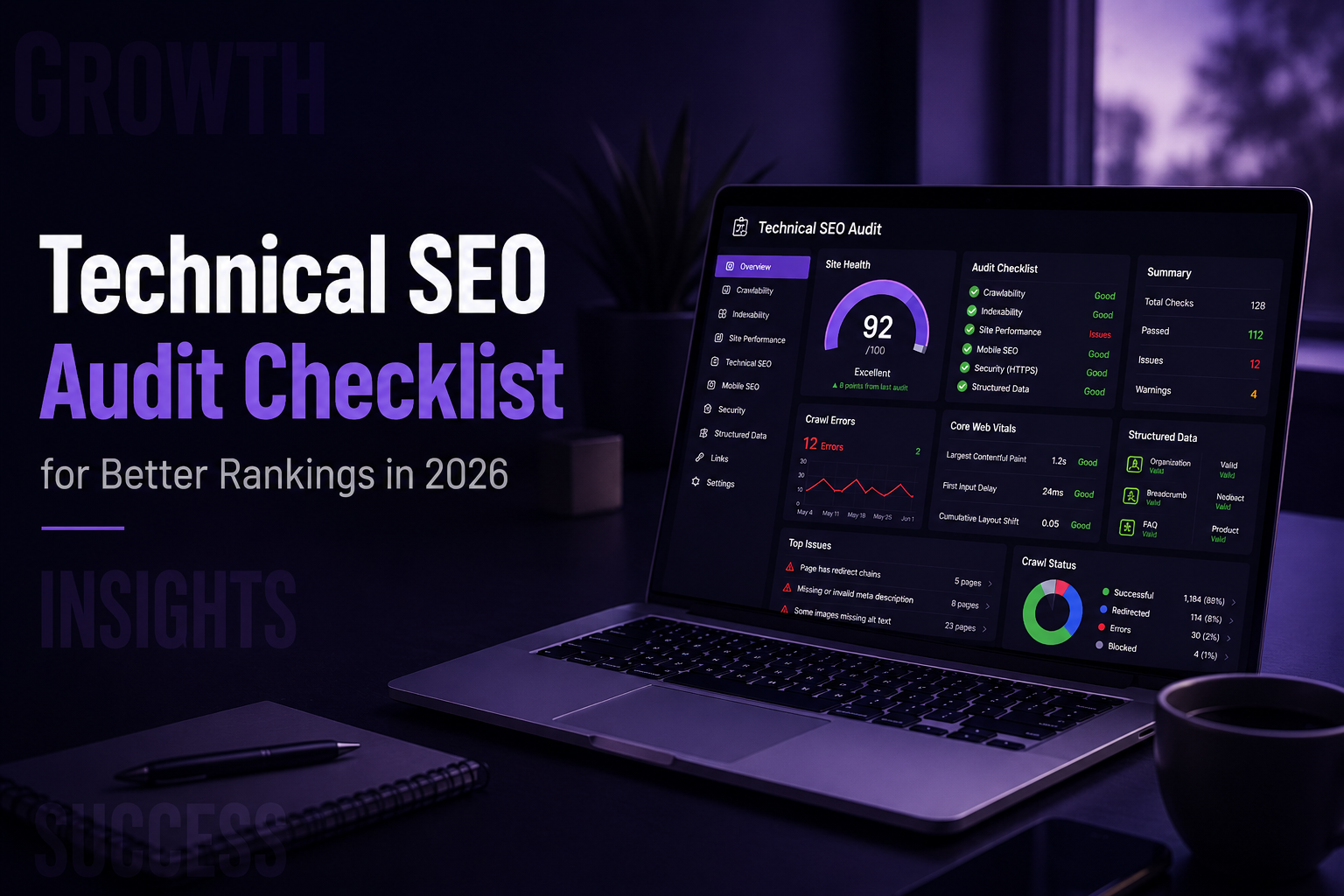
Running a proper technical SEO audit in 2026 is no longer optional for businesses that want to compete in search. The landscape has shifted dramatically, and websites that ignore the technical foundation are quietly losing ground to competitors who take it seriously.
AI-powered search results, stricter Core Web Vitals thresholds, and smarter indexing algorithms have raised the bar for every site owner. Google is not just reading your content anymore. It is evaluating how efficiently it can crawl your pages, how fast they load, how clean your architecture is, and whether your site signals trust. If any of those areas fall short, rankings suffer regardless of how good your content is.
This technical SEO audit checklist walks you through every major area professionals check in 2026. By the end, you will know exactly what to fix, which tools to use, and how to prioritize your efforts for maximum impact.
Crawlability, Indexing & Website Visibility
Robots.txt Best Practices
Your robots.txt file controls what search engine bots can and cannot access. Make sure it is not accidentally blocking CSS or JavaScript files because Google needs those to render your pages. Test it regularly using Google Search Console and avoid broad wildcard rules unless you fully understand the scope.
XML Sitemap Optimization
Your sitemap should only contain pages you want indexed. Remove redirected URLs, noindex pages, and broken links from it. Submit it through Google Search Console and monitor for errors. Large sites should use sitemap index files and separate sitemaps by content type.
Indexing Issues to Check
Open the coverage report in Google Search Console and pay attention to pages marked as discovered but not indexed or crawled but not indexed. These signals often point to thin content, slow server response, or weak internal linking. Each one deserves investigation.
Canonical Tags & Duplicate Content
Canonical tags must point to the correct preferred version of each page. Misconfigured canonicals are one of the most common issues found in any technical SEO audit checklist review. Check for duplicates caused by URL parameters, trailing slashes, or session IDs.
Pagination and Faceted Navigation
E-commerce sites generate enormous crawl waste through faceted navigation. Every filter combination creates a new URL, most of which have no unique value. Control this using noindex tags, canonical tags, and selective disallows in robots.txt.
Site Architecture & Internal Linking
SEO-Friendly URL Structure
Keep URLs short, descriptive, and consistent. Use words separated by hyphens, avoid dynamic parameters where possible, and keep important pages within three clicks of the homepage.
Internal Linking Strategy
Internal links distribute crawl authority and establish topical relevance. Every important page needs contextual internal links from related content. Use descriptive anchor text and audit your internal links regularly to catch broken or redirected destinations.
Orphan Pages & Crawl Depth
Orphan pages have no internal links pointing to them, so crawlers may never find them. Cross-reference your crawl data with your sitemap and analytics to identify these pages and either link to them or remove them.
Breadcrumb Optimization
Breadcrumbs reinforce your site hierarchy for both users and search engines. When paired with the breadcrumb schema, they also appear as rich results in search. Make sure they are accurate and consistent across all templates.
Core Web Vitals & Page Experience
Largest Contentful Paint (LCP)
LCP measures how quickly the largest visible element loads. The target is under 2.5 seconds. Unoptimized hero images and render-blocking resources are the most common causes of poor LCP scores.
Interaction to Next Paint (INP)
INP replaced First Input Delay and measures how responsive a page feels throughout the entire visit. Keep it under 200 milliseconds by reducing heavy JavaScript execution and limiting third-party scripts.
Cumulative Layout Shift (CLS)
CLS measures visual stability. Set explicit dimensions on all images and video embeds, and reserve space for dynamically loaded content like ads to prevent layout shifts.
Mobile Usability Signals
Check the mobile usability report in Google Search Console for issues like text too small to read or clickable elements too close together. These signals directly influence rankings in mobile search.
Site Speed & Performance Optimization
Image Optimization
Images are the most common cause of slow load times. Use WebP or AVIF formats, compress files without visible quality loss, and use srcset to serve appropriately sized images for different screen sizes.
Lazy Loading
Lazy loading defers offscreen images and videos until the user scrolls to them. Use the native loading=”lazy” attribute on images, but never apply it to your LCP image, or it will hurt your Core Web Vitals score.
CSS & JavaScript Minification
Remove whitespace, comments, and unused code from your CSS and JavaScript files. Tools like Webpack and PurgeCSS automate this. Every unnecessary byte removed from your critical rendering path improves load speed.
CDN and Caching Setup
A content delivery network serves static assets from servers closest to each visitor. Combine it with proper cache headers so browsers are not re-downloading files they already have. This is one of the highest-return investments in performance optimization.
Hosting & Server Response Time
Server response should be under 200 milliseconds. If Time to First Byte is consistently high, consider upgrading your hosting tier, switching providers, or implementing server-side caching. Shared hosting is often the biggest bottleneck for growing sites.
JavaScript SEO & Rendering
Client-Side vs Server-Side Rendering
Client-side rendering makes Google work harder to index your content because the browser must build the page using JavaScript before crawlers can see it. Server-side rendering or static generation sends fully rendered HTML directly to the crawler, which is faster and more reliable.
JavaScript Indexing Issues
Use the URL Inspection tool in Google Search Console to see exactly how Google renders your pages. If important content, headings, or links are missing from the rendered version, you have a JavaScript SEO problem that needs immediate attention.
Render Blocking Resources
Scripts and stylesheets that load in the document head block render until they finish downloading. Defer noncritical JavaScript and inline only the CSS required for above-the-fold content.
Testing Rendered HTML
Screaming Frog’s JavaScript SEO crawl mode compares raw HTML against rendered output. This comparison reveals hidden issues that standard crawls miss entirely and is essential for any site using a JavaScript-heavy framework
Structured Data & Schema Markup
Organization Schema: Organization schema communicates your brand name, logo, contact information, and social profiles to search engines. This builds entity recognition, which matters significantly as AI systems construct knowledge graphs about businesses.
FAQ Schema: The FAQ schema generates rich results and appears in AI Overviews. It works best on service and informational pages where questions are genuinely answered in the content.
Article & BlogPosting Schema: For blog content, articles, and blog posting schemas, establish authorship, publish date, and editorial context. These tie directly into E-E-A-T signals that influence how AI systems assess content credibility.
Breadcrumb Schema: Breadcrumb schema reinforces site structure in search results and consistently generates rich result appearances. It is simple to implement and highly reliable.
Common Schema Errors to Avoid: Missing required properties, mismatched schema types, and markup that does not match visible page content are the three most common errors. Validate all schema using the Rich Results Test before and after any deployment.
Mobile SEO & Accessibility
Responsive Design Checks: Your site must adapt to all screen sizes without horizontal scrolling or broken layouts. Test on real devices rather than just browser developer tools.
Accessibility Basics for SEO: Heading hierarchy, descriptive link text, and keyboard navigability benefit both screen reader users and search engine crawlers. Logical, well-structured pages consistently perform better.
Font, Tap Targets & Readability: Body text should be at least 16px. Buttons and links should meet the 48×48 pixel minimum with adequate spacing between them. Google evaluates these in its mobile usability assessments.
Alt Text Optimization: Write descriptive alt text that accurately reflects each image. Avoid keyword stuffing but make it genuinely informative. Use an empty alt attribute for purely decorative images.
Technical SEO Audit Tools for 2026
- Google Search Console
- Screaming Frog
- PageSpeed Insights
- Ahrefs & Semrush
- Rich Results Test
Why Choose WebXeros Solutions for Technical SEO Services
WebXeros Solutions approaches every engagement with a structured audit framework built around actual outcomes, not activity reports. Most ranking problems trace back to foundational technical issues overlooked during site builds or redesigns, and identifying those issues early is where the real value lies.
The team works across a broad range of clients, including businesses seeking affordable local SEO services, local SEO for small business owners competing in tight local markets, and larger brands managing complex sites. Technical expertise extends into paid search as well, with PPC expert capabilities and pay-per-click strategy integration ensuring organic and paid efforts support each other rather than conflict.
Final Thoughts
A complete technical SEO audit checklist review should happen regularly, not just once. Every site update, redesign, or platform migration introduces new risks. Quarterly audits keep technical debt from compounding. Monthly checks are appropriate for fast-growing or frequently updated sites.
In 2026, technical SEO directly determines whether your content gets crawled, understood, and surfaced in both traditional and AI-powered search results. The sites winning in search are not always the ones with the most content.
Want to know more: How do I conduct an SEO audit for a B2B website?
FAQs
Q1. What is a technical SEO audit?
A technical SEO audit is a complete review of your website’s technical health to identify issues affecting crawlability, indexing, speed, mobile usability, security, and search visibility.
Q2. How often should I perform a technical SEO audit?
Most websites should perform a full technical SEO audit every 3 months and immediately after any major website update, redesign, or migration.
Q3. Which technical SEO issues affect rankings the most?
Crawlability, indexing errors, Core Web Vitals, mobile usability issues, duplicate content, and broken internal linking have the biggest impact on rankings.
Q4. What tools are best for technical SEO audits?
Google Search Console, Screaming Frog, PageSpeed Insights, Ahrefs, and Semrush are among the best tools for comprehensive technical SEO audits.
Q5. Can technical SEO improve Core Web Vitals?
Yes, technical SEO improves Core Web Vitals through image optimization, lazy loading, code minification, caching, and server-performance enhancements.